
You can build a profitable freelance business when you sell Twitch overlays and graphics to content creators who need professional channel identities. Streamers rely on custom visuals to capture viewer attention, communicate broadcast tone, and turn casual visitors into loyal subscribers. Success in this creative niche requires mastering live broadcast asset dimensions, delivering clean modular files, and building recognizable visual branding that stands out across digital platforms.
The right approach depends on whether you focus on ready-to-use template bundles, custom commission packages, or specialized motion graphics. Identifying your target visual style and aligning your offerings with the software environments streamers use daily allows you to serve both emerging creators and established broadcast partners effectively.
Livestreaming Market Opportunities for Graphic Designers
Live broadcasting has transformed from a casual hobby into an expansive digital entertainment industry. Millions of content creators go live daily across gaming, music, digital art, talk shows, and educational categories. Every creator competing for audience attention requires visual assets that distinguish their channel from the competition.
Broadcast graphics serve as the digital storefront and stage set for modern streamers. When a viewer discovers a channel, the overlay frames, alerts, and badges instantly signal the production quality of the broadcast. Channels with refined visual identities retain new viewers more effectively than those using cluttered default layouts.
Streamers treat their channels as operating small businesses and actively invest in production assets that elevate community standing. You can position your design studio as a vital growth partner rather than a simple graphic decorator.
This dynamic creates continuous demand for fresh visual concepts. Content creators regularly rebrand for seasonal events, tournament participations, community milestones, and major career transitions. By learning how streamers configure their broadcast software, you can solve frustrating layout problems and secure steady freelance income.
Psychology of Streamer Branding and Viewer Retention
Effective broadcast design relies heavily on cognitive psychology and visual hierarchy. Viewers process visual cues before they register spoken commentary or game audio. A deliberate arrangement of color, space, and typography guides viewer eyes to crucial focal points without creating sensory fatigue.
Color Psychology
Consistent color palettes establish an immediate emotional tone for the stream. Bright neon palettes convey high-energy competitive gaming, while muted earth tones encourage relaxed conversation during casual community sessions.
Visual Hierarchy
Strategic layout placement prevents interface crowding. Thin borders around webcams and minimal alert frames preserve primary screen real estate for the core broadcast content.
Community Emblems
Subscriber badges and custom chat emotes act as micro-rewards that stimulate community belonging. Distinct badge progressions motivate viewers to renew subscriptions and participate in active chat discussions.
Typography also establishes instant character. Clean sans-serif typography maintains legibility on mobile screens, whereas stylized display fonts communicate channel genre and personal flair. When you harmonize fonts across panels, stream scenes, and social banners, the entire creator presence feels cohesive and memorable.
Viewer loyalty deepens when audiences feel part of an exclusive club. Emotes function as an internal language that regulars use to celebrate triumphs, express humor, and react to live events. Designing readable, expressive emotes allows you to craft the cultural tools that keep viewers connected to the broadcast.
Essential Software Tools for Stream Designers
Creating professional broadcast packages requires specialized design applications alongside broadcast software for testing. Designers need tools capable of handling raster image manipulation, vector scalability, timeline animation, and live scene composition. Selecting the proper application for each asset category streamlines your production pipeline.
| Software Tool | Primary Purpose | Best Application for Stream Designers |
| Adobe Photoshop | Static Overlays | Assembles layered raster graphics, textured panels, and modular HUD frames. |
| Adobe Illustrator | Vector Badges | Builds scalable icons, subscription badges, and sharp vector emote artwork. |
| After Effects | Motion Graphics | Produces animated stinger transitions, alert sequences, and dynamic loop backgrounds. |
| Figma | UI Layouts | Enables rapid prototyping of modular stream screens and real-time client presentation. |
| Procreate | Hand Illustration | Allows fluid drawing of expressive character emotes, mascot art, and stylized badges. |
| OBS Studio | Live Testing | Verifies scene alignment, transparency performance, and file rendering before client handoff. |
| Canva | Basic Layouts | Assists beginners in assembling simple social banners and promotional graphics quickly. |
Affordable alternatives exist for designers seeking lower subscription overhead. Affinity Designer and Affinity Photo provide capable vector and raster editing environments without recurring monthly charges. Open-source programs like GIMP and Inkscape offer accessible entry points for artists learning basic asset assembly.
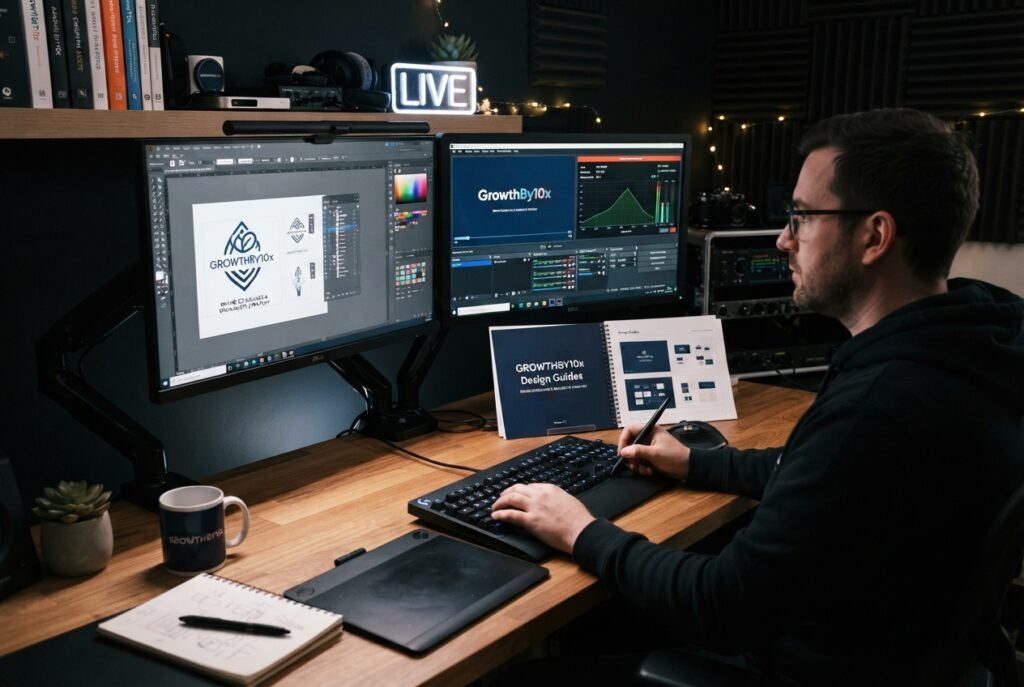
Testing assets directly inside broadcast software prevents layout misalignments before client delivery.
Cloud storage and file organization tools are equally vital for maintaining a clean workflow. Services such as Google Drive, Dropbox, and WeTransfer allow you to share organized asset directories with clients without compressing image quality. Pairing structured storage with local backup drives keeps your client project archives secure over time.
Interactive Checklist of Essential Twitch Stream Assets
A full channel visual package encompasses multiple digital touchpoints across the live broadcast and channel profile. Clients frequently purchase incomplete asset collections and later struggle with missing elements during live shows. Providing a comprehensive checklist positions you as an organized professional who understands complete production requirements.
Presenting this checklist during initial client onboarding prevents scope creep and uncovers upselling opportunities. Broadcasters who initially request only a webcam border often realize they also require matching alert animations and profile headers. Offering structured bundles helps streamers launch their channels with visual consistency.
Technical Specifications and File Delivery Practices
Broadcast graphics must satisfy strict platform standards to prevent distortion, software crashes, or blurry presentation during live streaming. Overlays and full-screen displays demand high visual fidelity while remaining lightweight enough to prevent streaming software from dropping video frames. Designers must understand exact export formats and dimensions before starting production.
Full-screen scene layouts and overlay elements operate on standard 16:9 widescreen canvases. Exporting master scene graphics at standard high-definition dimensions preserves crisp lines across standard desktop and mobile monitors.
Static graphics requiring transparency must use the PNG format with transparent backgrounds preserved. Animated assets such as stinger transitions, webcam borders, and alert sequences perform best when exported as lightweight WEBM video files with transparent alpha channels enabled. WEBM files consume significantly less memory inside OBS Studio than traditional animated GIF files, preventing system slowdowns during resource-intensive gaming sessions.
Profile panels require a fixed width of three hundred twenty pixels, while emote graphics can be uploaded as single high-resolution square source files or scaled down to standard chat micro-dimensions. Maintaining clear file naming conventions saves your clients significant setup time inside their streaming software. Labeling assets clearly, such as “Webcam-Frame-16×9.png” or “Alert-New-Follower.webm”, prevents configuration errors during live broadcast preparation.
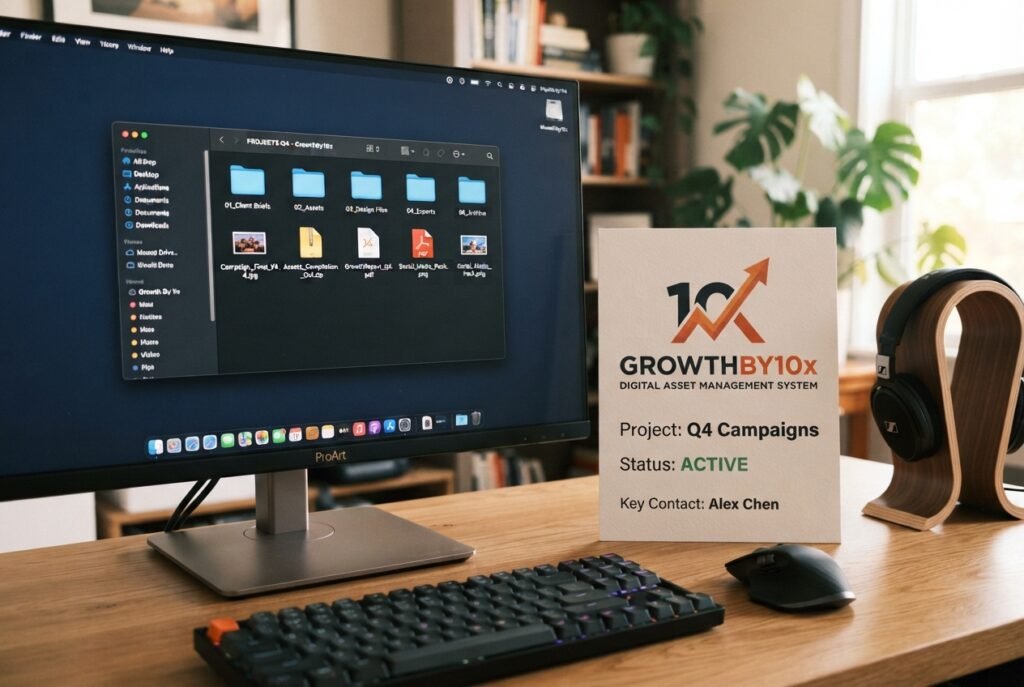
Delivering well-organized folder structures makes broadcast software configuration simple for creators.
Package completed deliverables inside compressed ZIP archives divided into clear subdirectories. Include a simple text setup guide outlining recommended layer orders and alert audio settings. Providing thoughtful installation instructions elevates your customer service and separates you from casual amateur designers.
Step-by-Step Business Blueprint to Sell Twitch Overlays and Graphics
Transforming graphic design abilities into a sustainable commercial practice requires a systematic business model. Approaching stream design methodically allows you to build reliable income streams without burning out on low-paying revisions. Follow this structured roadmap to launch and expand your creative services.
- Conduct Niche and Genre Research: Examine popular broadcast categories to identify underserved visual themes. Compare the visual requirements of competitive shooters, cozy community streams, music creators, and virtual avatars.
- Define Your Signature Aesthetic: Develop a recognizable visual style that makes your work immediately identifiable. Specializing in specific styles, such as retro pixel art, clean minimalist typography, or futuristic cyber themes, helps you attract ideal clients quickly.
- Build a Focused Portfolio: Create three to five comprehensive concept bundles demonstrating complete channel transformations. Display how webcam frames, starting screens, and alerts interact within a simulated live broadcast environment.
- Establish Clear Revision Protocols: Define exact revision limits and feedback stages in your initial project agreements. Allowing preliminary sketch approvals before final animation production prevents extensive rework down the road.
- Deliver Organized Master Archives: Distribute final assets using intuitive folder hierarchies and standard export formats. Retain editable vector and layered source files locally while providing clients with production-ready media.
- Cultivate Long-Term Repeat Business: Check in with past clients periodically to offer seasonal visual refreshes, milestone celebration badges, and channel upgrades. Broadcasters who experience channel growth regularly return to trusted designers for higher-tier asset packages.
Protect your intellectual property by withholding unflattened master project files unless the client purchases full commercial source rights. Providing production-ready exported formats allows clients to run their broadcasts seamlessly while protecting your underlying design elements. This professional separation reinforces the commercial value of your design expertise.
Packaging Strategy, Pricing Models, and Portfolio Mockups
Selling individual graphic elements separately often leads to low project values and inconsistent channel identities. Grouping individual assets into tiered service packages helps streamers understand the complete scope needed for a professional broadcast. Structured packages also simplify your design workflow by standardizing deliverables across projects.
Essential Starter Package
Includes a static webcam border, modular game overlay, standard channel info panels, and an offline screen. Designed for emerging broadcasters establishing their first cohesive channel presentation.
Full Broadcast Suite
Combines animated stream scenes, custom stinger transitions, dynamic alert sequences, webcam borders, subscriber badges, and profile headers. Tailored for committed broadcasters upgrading to premium production standards.
Base your pricing strategy on delivered commercial value rather than simple hourly estimates. A high-quality visual overhaul elevates a creator’s broadcast authority, helping them attract sponsors, partner invitations, and viewer subscriptions. Present your packages by highlighting how polished aesthetics enhance community engagement and viewer retention.
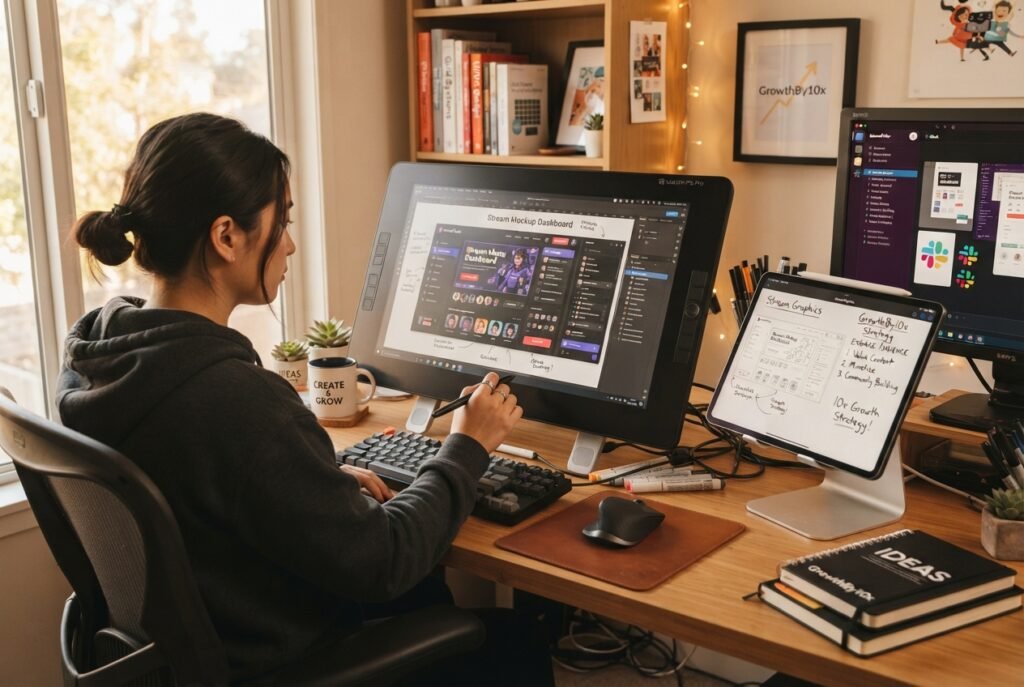
High-fidelity mockups showing overlays in action help potential buyers visualize broadcast upgrades.
Showcasing realistic mockups is essential for converting portfolio visitors into paying clients. Rather than displaying isolated transparent PNG files on plain backgrounds, place your overlay elements over actual gameplay footage or simulated camera feeds. Demonstrating your graphics inside a dynamic broadcast context proves that your designs enhance live entertainment without obstructing important on-screen action.
Marketing Your Design Services and Attracting Streamers
Finding consistent design clients requires active participation in creator spaces rather than passive portfolio hosting. Streamers congregate across dedicated digital communities to share broadcast milestones, troubleshoot technical issues, and discover production tools. Establishing a visible presence in these environments creates organic opportunities to showcase your design expertise.
Social Proof and Short-Form Video
Document your creative design process on social platforms through short-form screen recordings and timelapse animations. Showing the transformation of a rough sketch into an animated stinger transition demonstrates your technical proficiency and attracts creators seeking custom work.
Direct Community Networking
Participate genuinely in streaming Discord servers, creator forums, and social discussions without spamming sales pitches. Providing helpful advice on broadcast setup and scene configuration builds trust, naturally leading creators to inquire about your custom design packages.
Client referrals provide one of the most reliable growth engines for independent stream designers. Broadcasters regularly network with fellow creators and participate in collaborative group streams. When a channel debuts an impressive new visual identity, peer streamers frequently ask for the designer’s contact information.
Encourage these organic recommendations by providing exceptional client service throughout every project. Delivering assets on time, organizing files neatly, and assisting with initial broadcast software imports leaves a lasting positive impression. Satisfied creators often credit their visual designers directly in channel panels, generating passive inbound inquiries from engaged audiences.
Frequently Asked Questions About Selling Twitch Graphics
What file formats are best for delivering stream graphics?
Deliver static overlay assets and channel panels as transparent PNG files. Animated alerts, stinger transitions, and moving webcam frames perform best when exported as transparent WEBM video files to conserve computer processing power.
Do designers need motion graphics skills to sell stream assets?
Static graphics remain widely purchased by new broadcasters who want simple, lightweight layouts. Adding motion design capabilities with software like After Effects allows you to offer premium animated packages that command higher project rates.
Should you include original project source files with deliveries?
Standard packages should include only exported production-ready files such as PNG and WEBM formats. Reserve unflattened layered source files for custom commercial contracts where the client pays an additional licensing fee for full master rights.
How can you verify that overlays look correct before delivery?
Install free broadcast software like OBS Studio on your workstation and load your graphics into active scenes. Testing elements over recorded video feeds confirms that transparency, font sizes, and layout positioning display properly in live conditions.
Can you start selling stream designs using free design software?
Open-source tools like GIMP and Inkscape provide complete capability for designing static overlays, badges, and channel panels. You can start with accessible free tools and upgrade to professional software suites as your client revenue expands.
Building Long-Term Growth with Stream Graphics
Selling Twitch overlays and graphics offers a direct path to independent freelance income in the creator economy. Focus on mastering platform technical standards, delivering complete asset packages, and providing attentive customer service to every broadcaster. As you consistently solve visual problems for creators, your design brand will establish a reputable position in the live broadcasting industry.
Advance Your Freelance Design Business
Discover proven creative workflows, client acquisition playbooks, and modern digital asset strategies designed for ambitious freelance designers at GrowthBy10x.