
Your daily commute can feel like lost time. Traffic moves slowly, or a bus stops at every corner. Yet a phone can turn part of that trip into useful personal time.
You can plan your day, learn a language, save ideas, or prepare for a meeting. You can also rest. The goal is not to work every minute. The goal is to choose the right task for the moment and arrive home with less stress.
What Commute Productivity Really Means
Commute productivity means using safe travel time for a task that helps your work, study, health, or personal life. It is more than answering email on a train. It can also mean getting ready for the day, clearing your mind, or learning something you care about.
A productive commute should support your life, not control it. If you slept badly, rest may be the best choice. If your mind feels fresh, you may have the energy for focused work. This simple view helps you make your commute productive without creating more pressure.
Save small blocks of time
Ten useful minutes each day can become more than 40 hours across a year. Small actions can remove work from a busy evening.
Start the day with direction
A short plan can help you know what matters before you reach the office, class, or job site.
Reduce mental clutter
Writing down ideas and reminders keeps them from spinning around in your mind during traffic or public transportation.
Choose useful action, quiet learning, or real rest based on your energy.
Safety Comes Before Commute Productivity
Never use a phone while driving. Do not read, type, record audio, or change an app in moving traffic. Even a quick glance can cause a serious crash. Pull over in a legal, safe place if you need to use your phone.
If you are walking, keep your eyes up near roads, stairs, platforms, and busy sidewalks. Do not use a screen while crossing. On a bus or train, use your phone only when you are seated or standing securely and can stay aware of your surroundings.
Public transportation is often best for phone tasks because another person is handling transportation. Still, crowded cars may make typing hard. A rough ride can also cause motion sickness. In those moments, audio may be better than a screen.
- Use a phone only as a passenger or when safely stopped.
- Keep one ear free in unfamiliar or crowded places.
- Protect private email, work files, and account details.
- Lower screen brightness at night and avoid disturbing people.
- Stop the task if you feel dizzy, rushed, or unsafe.
For more safety guidance, readers can review the official distracted-driving advice from the National Highway Traffic Safety Administration.
High-Impact Tasks to Do on Your Phone
The best tasks are short, clear, and easy to stop. They should not require deep focus for hours. Start with one task and finish it before opening another app.
Plan the day with a short to-do list
Open your notes app or task manager. Write the three results that matter most today. Then add smaller actions below them. This gives your day a simple shape and stops every new message from becoming urgent.
Check your calendar before adding tasks. A meeting at 9 a.m. may leave less time than you think. Plan around travel, meals, sleep, and family needs instead of filling every empty space.
Check important email, not every email
Email can be useful during a commute, but it can also steal your attention. Look only for messages that need a quick reply or a decision. Save long threads for a desk or laptop.
- Answer simple questions in two or three lines.
- Flag messages that need focused work later.
- Delete obvious junk and mute low-value alerts.
- Write a draft when the reply needs more thought.
Prepare for meetings and conversations
Review the calendar entry for your next meeting. Read the last note, check the goal, and write two questions. You can also create three talking points for a presentation or job interview.
This task works well on a bus or train. It is less suitable in heavy traffic when you must stay alert as a passenger. Voice notes can help when the ride is too bumpy for typing.
Capture ideas before they disappear
Ideas often arrive at strange times. Use a notes app to record a headline, business idea, story, customer question, or design concept. Do not try to perfect it during the ride. Capture first and edit later.
Turn spare minutes into a simple plan
Use the Growthby10x time-management guide to build a daily plan that fits your real schedule, not an ideal one.
Use Travel Time for Learning and Creative Work
Learning on the go can make a long commute feel more meaningful. Pick content before you leave home. A prepared choice is easier than searching through apps while the bus is moving.
Listen to audiobooks and podcasts
Audiobooks and podcasts are useful when your eyes need a break. Choose a topic linked to your goals, such as career skills, money, health, history, or a hobby. Educational podcasts can add new ideas without demanding a screen.
Do not listen to difficult material when you are tired. A light show or music may help you relax. The best commute routine changes with your mood and the length of the trip.
Study a language in short lessons
Language apps often offer lessons that take five to 15 minutes. Practice a few words, repeat audio, or review yesterday’s phrases. Daily practice is usually more useful than one long session once a week.
Use headphones at a comfortable level. If you need to speak aloud, wait until you are in a private place. You can review words silently on crowded transportation.
Read saved articles and books
Save useful articles or ebooks at home so they work offline. Reading a short article can help you understand a career topic or prepare for a work project. Mark key ideas, then write one sentence about how you will use them.
Avoid reading private work documents in public. Someone sitting nearby may see confidential information. Turn off message previews on your lock screen and use a privacy screen if your job requires it.

Audio learning is a smart choice when typing or reading feels difficult.
Use voice notes for brainstorming
Voice notes are helpful for freelancers, students, and entrepreneurs. Speak a rough outline for an article, a list of customer needs, or a reminder for later. Name the recording clearly so you can find it at home.
Choose the Right Task for Your Commute
There is no single best way to be productive while commuting. The right choice depends on travel conditions, available time, privacy, and your mental state.
| Commute condition | Good phone tasks | Tasks to avoid |
| Five to 10 minutes | Check the calendar, capture an idea, review a short list | Long articles, deep writing, complex planning |
| Train or bus, seated | Email, reading, language practice, meeting preparation | Private files in a crowded car, work that needs total focus |
| Bumpy or crowded ride | Podcasts, music, breathing practice, voice notes | Long screen sessions, detailed typing, sensitive information |
| Passenger in a car | Audio lessons, planning, saved reading when safe | Any phone use by the driver, road watching distractions |
Your energy matters too. Use high-focus tasks early in the day if your mind is clear. At night, choose light reading, music, or reflection. Sleep is not wasted time. A rested person may do better work tomorrow than someone who forced another task today.
Good signs for a work task
- You are seated and feel steady.
- The task has a clear finish point.
- Your screen and information are private.
- You have enough battery and data.
Good signs to rest instead
- You feel sick, tired, or anxious.
- The commute is loud or unsafe.
- You cannot stop watching your surroundings.
- The task will create more stress.
Build a Commute Routine That Lasts
A routine removes the need to decide what to do every morning. Keep it small. A plan that takes five minutes to start is more useful than a perfect system you never use.
- Prepare at home. Download podcasts, books, maps, and documents before leaving. Charge your phone at night and pack a small power bank when needed.
- Check the travel setting. Decide whether today is a reading, audio, planning, or rest day. Do not force screen work on a crowded or rough ride.
- Pick one result. Choose one finished action, such as sending one email, reviewing a meeting, or completing one language lesson.
- Use a timer. Set a short limit so the task does not take over the whole trip. Ten focused minutes can be enough.
- Close with a note. Write the next step before you arrive. This makes it easier to continue your work at the office or home.
- Review at night. Notice what helped and what caused stress. Adjust the routine for the next day.
Keep notifications limited. Turn on do-not-disturb mode, then allow only urgent contacts. Use offline tools to reduce mobile data use. Lower brightness at night, and keep your phone secure when you are not using it.
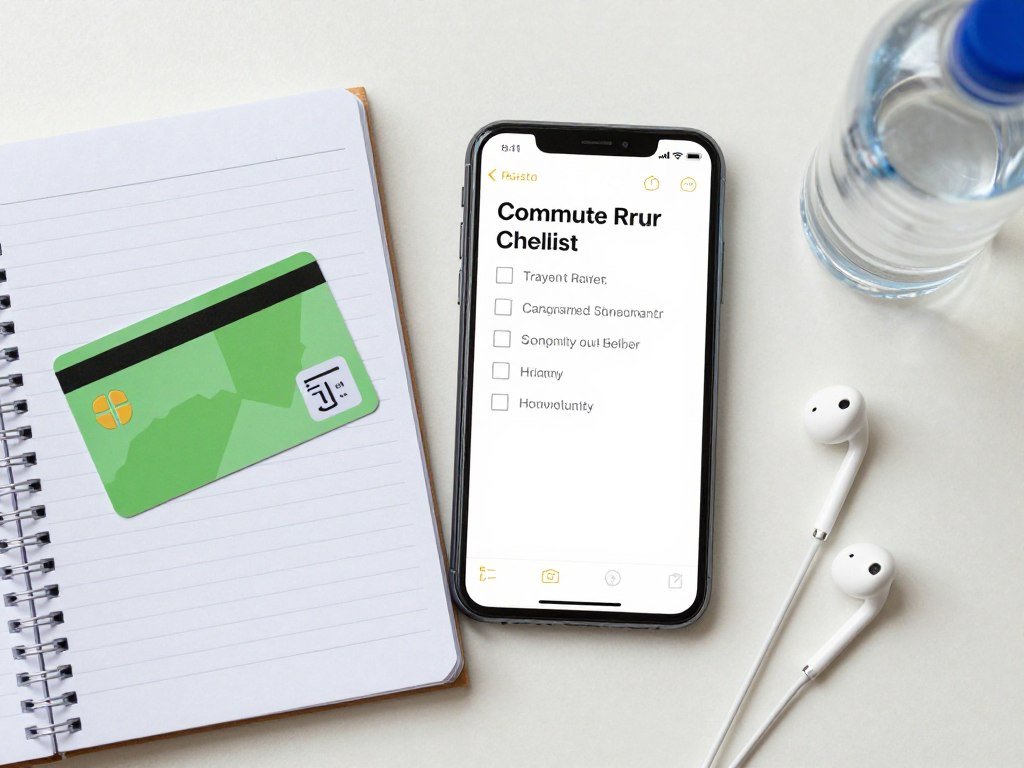
A short checklist can help you start the day with less stress.
Get a commute checklist you can use today
Save a simple routine for planning, learning, audio, and rest. It is designed for short trips and busy days.
Common Mistakes That Waste Time and Increase Stress
Trying to do too much
Opening email, a course, a book, and a task app at once feels busy but rarely creates good work. Multitasking makes simple jobs take longer. Choose one activity and finish a small part of it.
Planning every minute
A commute does not need to become a second office. Leave space for music, looking out the window, talking with people, or doing nothing. Rest can reduce stress and help your mind recover.
Ignoring privacy
Public transportation is not a private office. Avoid customer data, passwords, personal health details, and confidential job files. Save sensitive work for a trusted place.
Draining the battery
A dead phone can cause real problems during travel. Download content, close unused apps, reduce screen brightness, and carry a charger or power bank. Keep maps and emergency contacts available.
Starting hard tasks at night
Late commuting work can delay sleep. If your body feels ready for home, choose a gentle task or stop. The best daily commute supports both work and recovery.
Remember: A successful commute is not measured by how many tasks you complete. It is measured by whether the trip helps you arrive safer, calmer, or more prepared.
Commute Productivity FAQs and Your Next Step
How can I be productive during my commute?
Choose one safe task that matches your time and energy. Try planning, email, reading, learning, voice notes, or a short reflection session.
What can I do on my phone while commuting?
You can manage a calendar, write notes, listen to podcasts, study a language, read saved articles, review goals, or complete small administrative tasks.
How do I make commute time productive without feeling stressed?
Do not fill every minute. Set one small goal, limit notifications, and allow rest when you feel tired or overwhelmed.
What tasks are best on public transportation?
Seated bus and train trips are good for email, reading, planning, language practice, and meeting preparation. Audio works better in a crowded or bumpy vehicle.
Can I use my phone during a car commute?
Only if you are a passenger and can use it safely. Drivers must never use a phone while the car is moving or stopped in active traffic.
How can I learn on the go?
Download a short course, audiobook, language lesson, or educational podcast. Pick material before leaving home so you do not waste time searching.
Should I work during my commute every day?
No. Some days need work preparation. Other days need sleep, quiet, music, or simple recovery. Both choices can support your long-term productivity.
Commute productivity is about making travel time serve you. Plan a few tasks, protect your safety, and keep your routine flexible. Start with one small habit today: write your top three priorities, listen to one useful podcast, or capture one idea.
Then explore more practical growth and productivity advice from Growthby10x to make your workday, travel time, and evenings feel easier.
Start with one better commute
Try one safe habit on your next trip, then find more simple strategies for better time management and personal growth.